Evidence
The batch record, deviation impact assessment, test results, and excursion review the reviewer actually had in front of them.
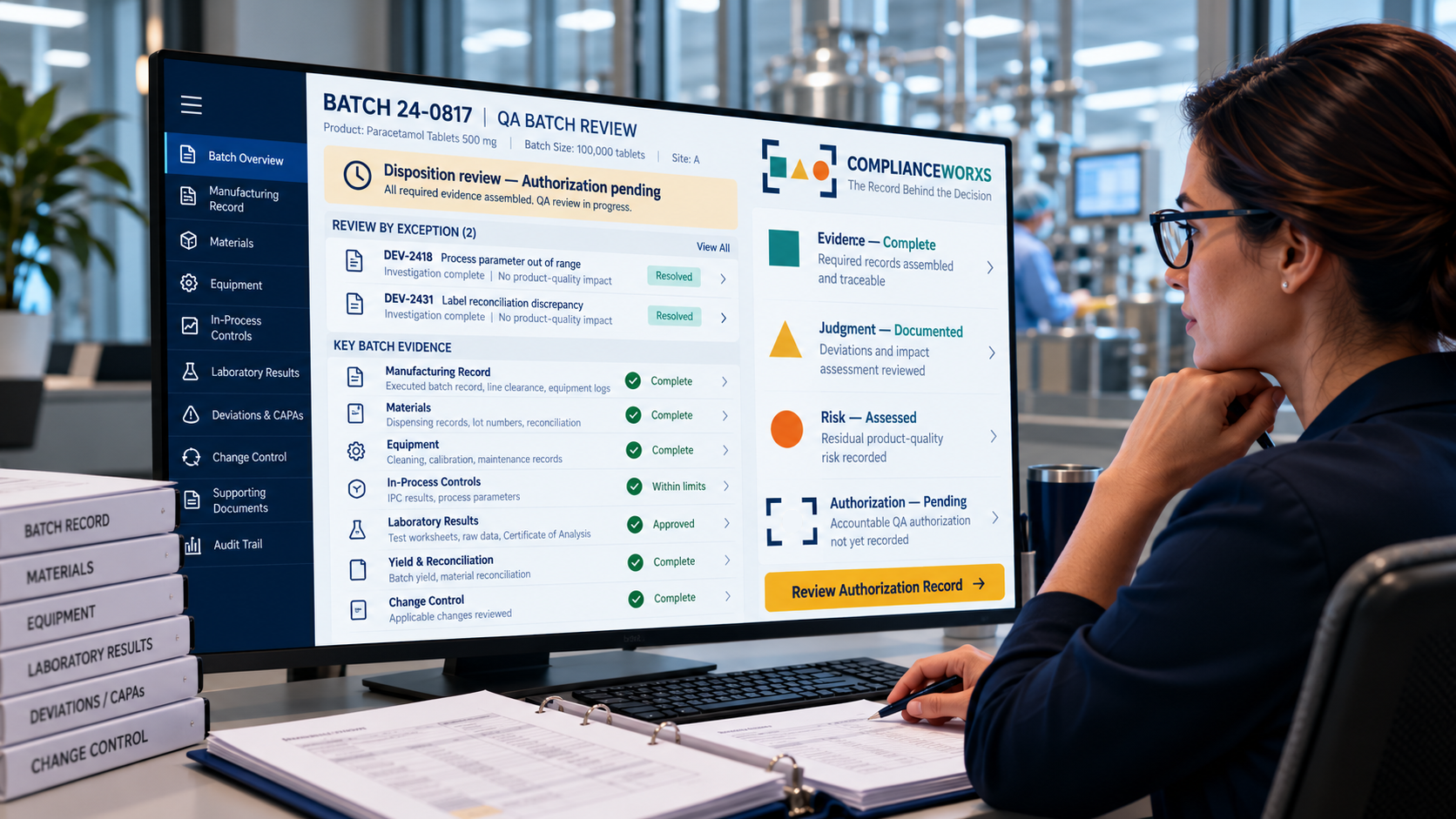
Batch Release Authorization
A signed release shows that a decision was made. The Batch Release Authorization Case File shows what that decision needs to preserve: the evidence reviewed, how it was judged, the risk accepted, and who held the authority to release.
When the inspector asks who authorized this release and why, this is the record that answers.
Free · One email · Opens in your browser
The release distinction
A batch record can be complete, every test result in specification, and the release signature in place without preserving what the reviewer actually examined, how open deviations were weighed, or why release was justified under the conditions at the time. The harder question is whether the record shows the basis for release without anyone having to reconstruct it from memory.
The release record
The batch record, deviation impact assessment, test results, and excursion review the reviewer actually had in front of them.
How the available evidence supported release, and why release was justified despite the conditions under review.
Open conditions, residual exposure, and the alternatives considered, including holding or rejecting the batch.
Who held release authority, whether it was delegated, and the basis on which they authorized release.
Signals that should slow release
Check your own releases against these signals.
0 of 4 signals present
See the Case File →A deviation or investigation was open at release, and the record does not show how its impact on the batch was evaluated.
The record does not show what the reviewer checked the batch against, so “reviewed” cannot be tested.
The signature is present, but the record does not show which documents and results the reviewer actually saw.
The record does not show who held release authority, or whether it was delegated, at the time of release.
Your answers, and where the Case File answers them
From the worked record
This section comes from the worked example: a batch released with an open deviation for an operator qualification that had expired six days before execution. It is shown as written. The batch, deviation and people are fictional.
The batch could have remained on hold pending additional investigation of the expired qualification.
This option was rejected because the available batch-specific evidence did not identify a product-quality failure that additional hold time was expected to resolve.
Batch rejection was considered disproportionate to the evidence.
The qualification lapse established a compliance deficiency, but there was no corresponding evidence of an execution error, process excursion, failed test, or adverse product impact for this batch.
Use it on your own release record
A worked example for illustration. It is not legal, regulatory or quality advice, and not a regulatory determination. Case File purchases are final and non-refundable. The Terms of Service apply.
Inside the Case File
A finished, worked example of one batch-release decision, built the way an inspector reads it. It is a finished record to model your own on, not a blank template and not software. It is a worked example for illustration, not a record from a client.
Walk through the record
An inspector asks
“What decision was this, and under what conditions?”
The Case File shows
The batch, the inspection scenario, and the regulatory expectations that applied to release.
Use it to
See how much context one release decision has to carry before anyone else can read it.
An inspector asks
“What did the reviewer actually look at?”
The Case File shows
The batch record, deviation impact assessment, testing, and excursion review, each tied to the decision.
Use it to
Compare it with what your reviewers cite today when they sign a release.
An inspector asks
“Why was release justified despite the conditions under review?”
The Case File shows
How the evidence supported release, and the reasoning that connects the evidence to the decision.
Use it to
Use it as the model for the reasoning your own records leave unwritten.
An inspector asks
“What else could have been done, and what risk was accepted?”
The Case File shows
What was weighed, the alternatives considered, including holding or rejecting the batch, and the residual risk.
Use it to
See what a recorded alternative looks like, so you can ask for one.
An inspector asks
“Who had the authority to release this batch?”
The Case File shows
The quality release authority and the delegated authority behind the decision.
Use it to
Check whether your own release record shows whose authority it rested on.
Choose your starting point
The Case File is a worked example for leaders and review teams. It does not document your own batches. When a real release decision needs its own record, the Batch Release Authorization Record is built for that.
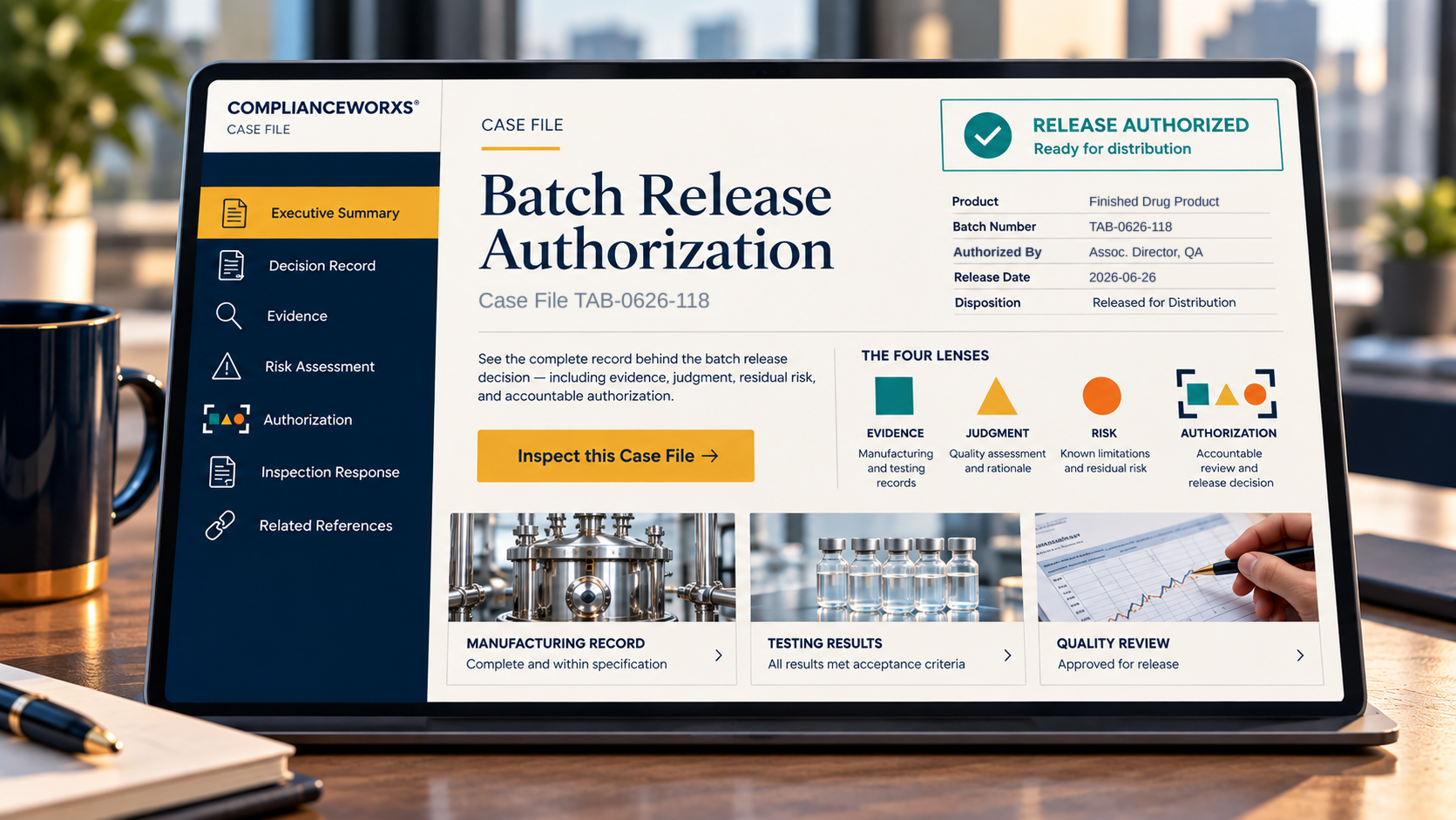
One completed release decision: context, evidence, judgment, risk, and authority. Free with your email.
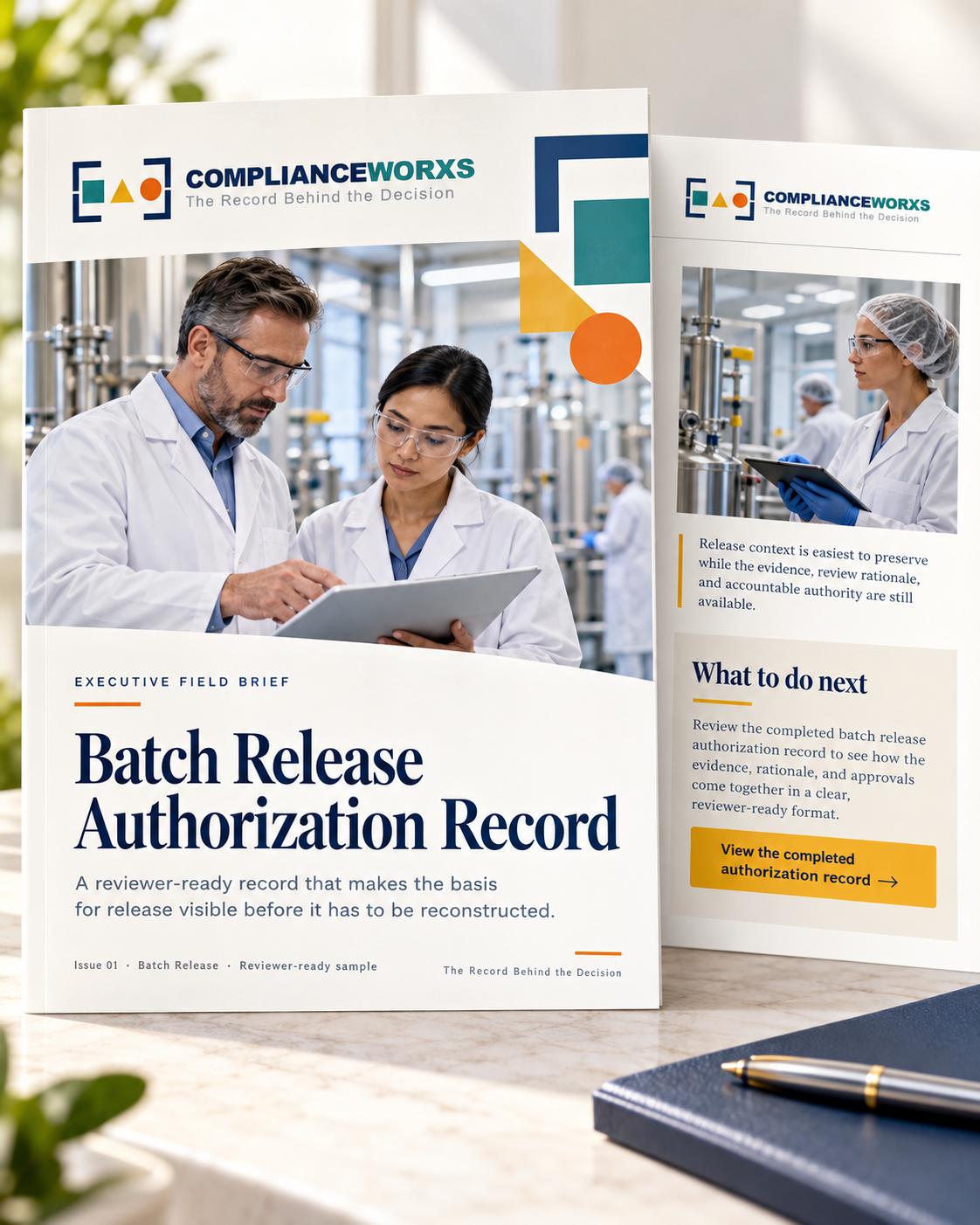
A record of your own release decision, created from your answers, with the CGMP Batch Record Review and Discrepancy Tracker workbook.
Also: CAPA effectiveness · Batch record review · FDA inspection readiness · Inspection Response Record · All Case Files